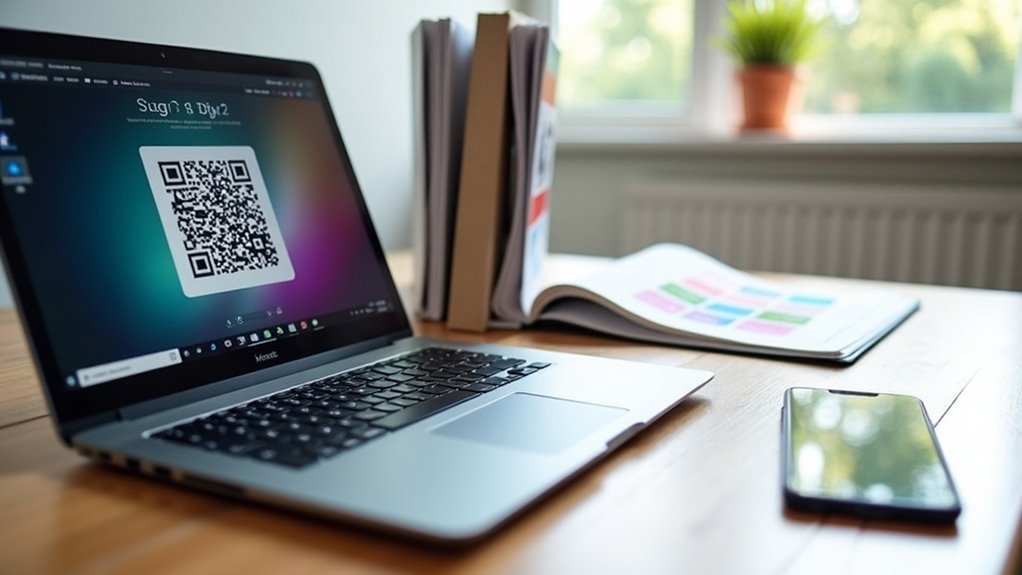
To create QR codes linking to home gym equipment manuals, start by digitizing your manuals as PDFs and uploading them to cloud storage. Utilize a QR code generator like QR Code Generator PRO to create your codes, ensuring they are customized for brand recognition. Print these codes on durable labels and place them prominently on your gym equipment for easy access. Regularly test the QR codes with smartphones to ensure they function correctly. Additionally, explore ways to enhance user experience and organize codes effectively to keep your home workout routine seamless and efficient.
Key Takeaways
- Digitize your home gym equipment manuals as PDFs and store them in a cloud service for easy access, ensuring you have quick reference materials for your workouts.
- Use a QR code generator to create codes that link directly to the digital manuals, making it convenient for both men and women to access workout instructions and tips.
- Customize your QR codes to reflect your home gym brand, enhancing recognition and appeal for fitness enthusiasts.
- Print the QR codes on durable labels and affix them to the corresponding home gym equipment for easy scanning, allowing users to quickly find guidance on proper usage and maintenance.
- Regularly test the QR codes with smartphones to ensure they link correctly to the manuals, providing a seamless experience for all home exercisers.
Understanding QR Codes and Their Benefits
As you delve into the realm of home gym equipment, you’ll discover that QR Codes provide a quick and efficient way to access vital fitness information, making them indispensable in today’s fast-paced fitness environment.
QR Codes can store workout guides and nutrition tips, allowing you to create codes that link directly to exercise tutorials or equipment manuals. This instant access enhances your home workout experience by providing essential resources without the clutter of printed materials, helping to reduce paper waste.
Moreover, dynamic QR Codes allow for easy updates, ensuring you always have the latest workout routines and health tips at your fingertips.
Steps to Create QR Codes for Equipment Manuals
Integrating QR Codes into your home gym setup is a simple yet effective way to enhance your workout experience. Begin by digitizing your equipment manuals as PDFs and uploading them to a cloud storage service for easy access. Utilize a QR Code Generator like QR Code Generator PRO to create dynamic QR codes that link directly to your digital manuals. To promote brand recognition, customize your QR code design, and print them on durable labels. Place the codes in locations that are easily scannable for convenience. Lastly, test the QR codes with a smartphone to ensure they work seamlessly across different devices.
| Step | Action |
|---|---|
| 1. Digitize Manuals | Upload PDFs to cloud storage |
| 2. Create QR Code | Use QR Code Generator PRO |
| 3. Customize & Print | Use durable labels |
Best Practices for QR Code Implementation
When implementing QR codes for your home gym equipment manuals, it’s essential to prioritize user experience and accessibility for everyone.
Ensure that your QR codes link directly to easily accessible digital manuals, such as PDFs or web pages, so users can quickly find instructions for their fitness equipment.
Link your QR codes to user-friendly digital manuals, ensuring quick access to fitness equipment instructions for an effortless experience.
Utilize dynamic QR codes to keep linked content updated without the need to regenerate them. Customize the design with branding elements that resonate with your target audience to enhance user engagement.
Test the QR codes on various devices to ensure compatibility, and place them prominently on gym equipment and packaging.
This approach will facilitate maintenance tracking and help users effortlessly scan the QR code to access user guides and product manuals, supporting their journey towards a healthier lifestyle from the comfort of their homes.
Enhancing User Experience With Multimedia Resources
User experience can greatly improve when incorporating multimedia resources into home gym equipment manuals. By utilizing QR codes, you can enhance comprehension and simplify complex instructions for setting up and using your equipment.
Here are some key benefits:
- Access video tutorials specifically designed for home gym equipment setup and effective workouts.
- Receive real-time updates with the latest information on exercises and maintenance tips.
- Engage with interactive guides that cater to various learning styles, helping both men and women achieve their fitness goals.
- Reduce the number of customer support inquiries by providing users with readily available answers to common queries.
Scanning the QR code connects users to dynamic content that not only clarifies instructions but also boosts overall satisfaction and confidence in using their home gym equipment.
Embracing multimedia resources in your manuals can lead to a smoother, safer, and more enjoyable fitness journey for everyone involved.
Organizing and Accessing QR Codes Efficiently
Efficiently organizing and accessing QR codes is essential for enhancing the user experience with your home gym equipment manuals.
Start by creating a centralized digital folder or inventory list that links each QR code to its corresponding workout manual or instructional video.
Utilize a QR code generator that allows for dynamic codes, so you can easily update links without having to create new codes.
Clearly label your home gym equipment with scannable QR codes that provide instant access to exercise guides, maintenance tips, or nutrition advice.
Keep a spreadsheet to track your equipment, QR code links, and any maintenance history.
Regularly review and test your QR codes to ensure they link correctly, improving access management and guaranteeing you can quickly find critical information when needed to support your fitness journey at home.